Jackett / Jackett
- вторник, 4 января 2022 г. в 00:44:44
API Support for your favorite torrent trackers



Our 
This project is a new fork and is recruiting development help. If you are able to help out please contact us.
Please see our troubleshooting and contributing guidelines before submitting any issues or pull requests
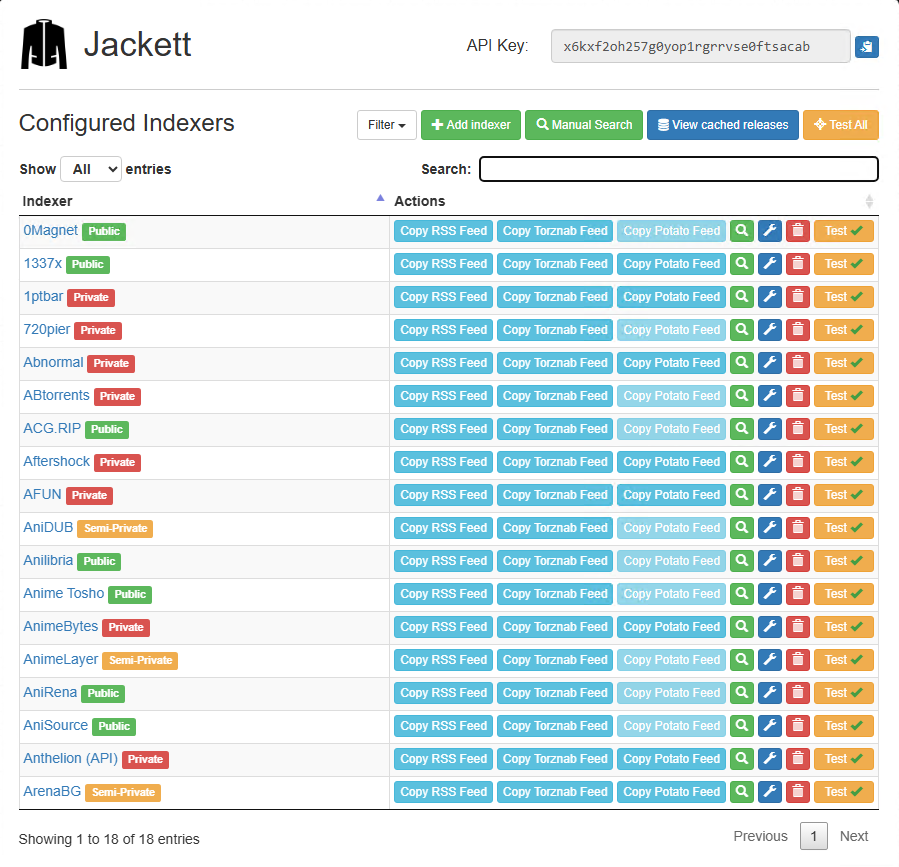
Jackett works as a proxy server: it translates queries from apps (Sonarr, Radarr, SickRage, CouchPotato, Mylar3, Lidarr, DuckieTV, qBittorrent, Nefarious etc.) into tracker-site-specific http queries, parses the html or json response, and then sends results back to the requesting software. This allows for getting recent uploads (like RSS) and performing searches. Jackett is a single repository of maintained indexer scraping & translation logic - removing the burden from other apps.
Developer note: The software implements the Torznab (with hybrid nZEDb/Newznab category numbering) and TorrentPotato APIs.
A third-party Golang SDK for Jackett is available from webtor-io/go-jackett

Trackers marked with have no active maintainer and may be missing features or be broken. If you have an invite for them please send it to garfieldsixtynine -at- gmail.com to get them fixed/improved.
A special "all" indexer is available at /api/v2.0/indexers/all/results/torznab.
It will query all configured indexers and return the combined results.
If your client supports multiple feeds it's recommended to add each indexer directly instead of using the all indexer. Using the all indexer has no advantages (besides reduced management overhead), only disadvantages:
To get all Jackett indexers including their capabilities you can use t=indexers on the all indexer. To get only configured/unconfigured indexers you can also add configured=true/false as a query parameter.
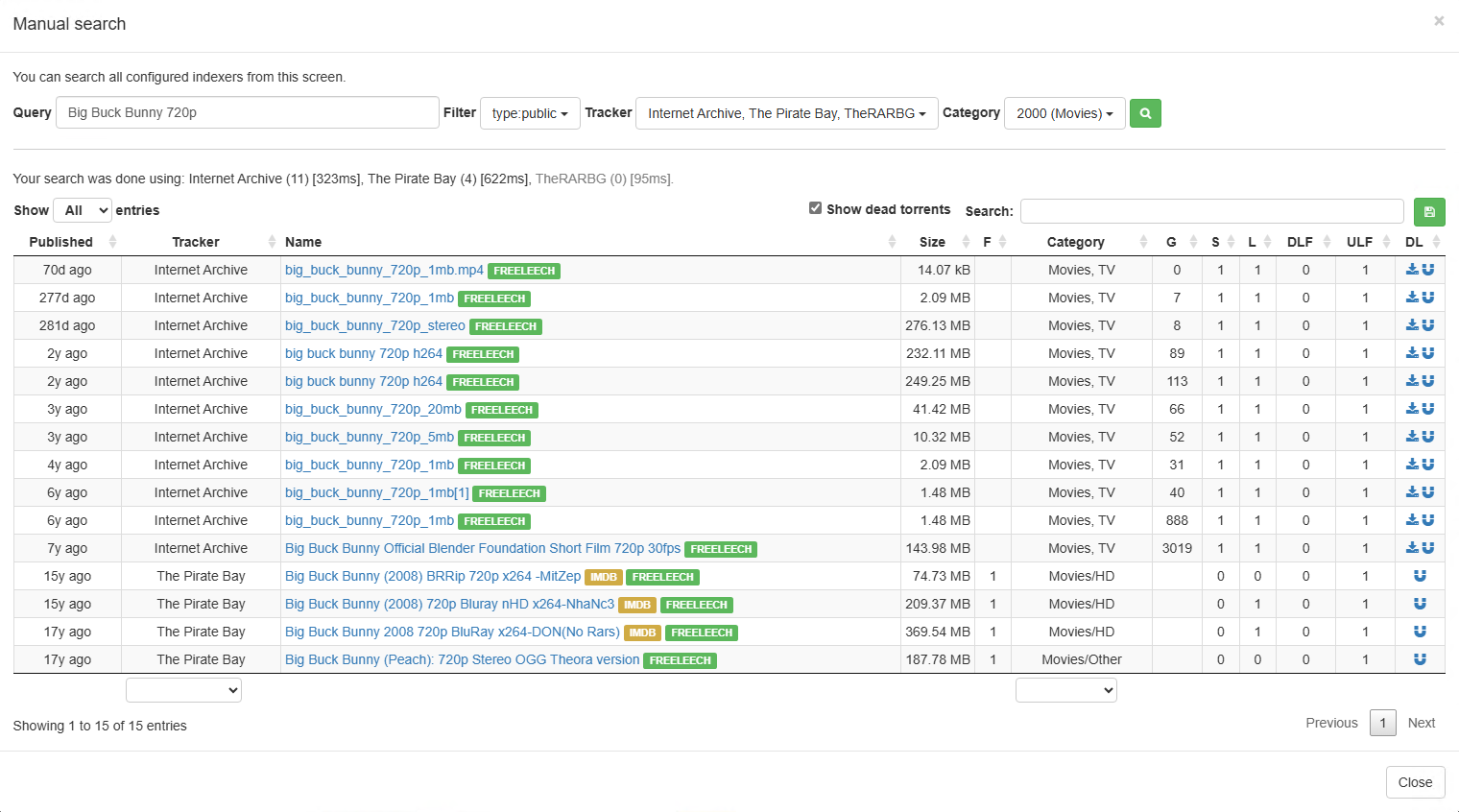
Another special "filter" indexer is available at /api/v2.0/indexers/<filter>/results/torznab
It will query the configured indexers that match the <filter> expression criterias and return the combined results as "all".
Supported filters
| Filter | Condition |
|---|---|
type:<type> |
where the indexer type is equal to <type> |
tag:<tag> |
where the indexer tags contains <tag> |
lang:<tag> |
where the indexer language start with <lang> |
test:{passed|failed} |
where the last indexer test performed passed or failed |
status:{healthy|failing|unknown} |
where the indexer state is healthy (successfully operates in the last minutes), failing (generates errors in the recent call) or unknown (unused for a while) |
Supported operators
| Operator | Condition |
|---|---|
!<expr> |
where not <expr> |
<expr1>+<expr2>[+<expr3>...] |
where <expr1> and <expr2> [and <expr3>...] |
<expr1>,<expr2>[,<expr3>...] |
where <expr1> or <expr2> [or <expr3>...] |
Example 1:
The "filter" indexer at /api/v2.0/indexers/tag:group1,!type:private+lang:en/results/torznab will query all the configured indexers tagged with group1 or all the indexers not private and with en language (en-en,en-us,...)
Example 2:
The "filter" indexer at /api/v2.0/indexers/!status:failing,test:passed will query all the configured indexers not failing or which passed its last test.
We recommend you install Jackett as a Windows service using the supplied installer. You may also download the zipped version if you would like to configure everything manually.
To get started with using the installer for Jackett, follow the steps below:
When installed as a service the tray icon acts as a way to open/start/stop Jackett. If you opted to not install it as a service then Jackett will run its web server from the tray tool.
Jackett can also be run from the command line if you would like to see log messages (Ensure the server isn't already running from the tray/service). This can be done by using "JackettConsole.exe" (for Command Prompt), found in the Jackett data folder: "%ProgramData%\Jackett".
On most operating systems all the required dependencies will already be present. In case they are not, you can refer to this page https://github.com/dotnet/core/blob/master/Documentation/linux-prereqs.md
Jackett.Binaries.LinuxAMDx64.tar.gz release from the releases pagesudo ./install_service_systemd.sh You need root permissions to install the service. The service will start on each logon. You can always stop it by running systemctl stop jackett.service from Terminal. You can start it again it using systemctl start jackett.service. Logs are stored as usual under ~/.config/Jackett/log.txt and also in journalctl -u jackett.service.Download and extract the latest Jackett.Binaries.LinuxAMDx64.tar.gz release from the releases page, open a Terminal, cd to the jackett folder and run Jackett with the command ./jackett
If you want to run it with a user without a /home directory you need to add Environment=XDG_CONFIG_HOME=/path/to/folder to your systemd file, this folder will be used to store your config files.
On most operating systems all the required dependencies will already be present. In case they are not, you can refer to this page https://github.com/dotnet/core/blob/master/Documentation/linux-prereqs.md
Jackett.Binaries.LinuxARM32.tar.gz or Jackett.Binaries.LinuxARM64.tar.gz (32 bit is the most common on ARM) release from the releases pagesudo ./install_service_systemd.sh You need root permissions to install the service. The service will start on each logon. You can always stop it by running systemctl stop jackett.service from Terminal. You can start it again it using systemctl start jackett.service. Logs are stored as usual under ~/.config/Jackett/log.txt and also in journalctl -u jackett.service.Download and extract the latest Jackett.Binaries.LinuxARM32.tar.gz or Jackett.Binaries.LinuxARM64.tar.gz (32 bit is the most common on ARM) release from the releases page, open a Terminal, cd to the jackett folder and run Jackett with the command ./jackett
If you want to run it with a user without a /home directory you need to add Environment=XDG_CONFIG_HOME=/path/to/folder to your systemd file, this folder will be used to store your config files.
mono-devel and the ca-certificates-mono packages.mono-locale-extras package is also required.apt-get install libcurl4-openssl-devyum install libcurl-develJackett.Binaries.Mono.tar.gz release from the releases page and run Jackett using mono with the command mono --debug JackettConsole.exe.sudo ./install_service_systemd_mono.sh You need root permissions to install the service. The service will start on each logon. You can always stop it by running systemctl stop jackett.service from Terminal. You can start it again it using systemctl start jackett.service. Logs are stored as usual under ~/.config/Jackett/log.txt and also in journalctl -u jackett.service.If you want to run it with a user without a /home directory you need to add Environment=XDG_CONFIG_HOME=/path/to/folder to your systemd file, this folder will be used to store your config files.
Mono must be compiled with the Roslyn compiler (default), using MCS will cause "An error has occurred." errors (See https://github.com/Jackett/Jackett/issues/2704).
On a CentOS/RedHat 7 system: jewflix.jackett
On an Ubuntu 16 system: chrisjohnson00.jackett
macOS 10.13 or greater
Jackett.Binaries.macOS.tar.gz or Jackett.Binaries.macOSARM64.tar.gz release from the releases page.install_service_macos.The service will start on each logon. You can always stop it by running launchctl unload ~/Library/LaunchAgents/org.user.Jackett.plist from Terminal. You can start it again it using launchctl load ~/Library/LaunchAgents/org.user.Jackett.plist.
Logs are stored as usual under ~/.config/Jackett/log.txt.
Download and extract the latest Jackett.Binaries.macOS.tar.gz or Jackett.Binaries.macOSARM64.tar.gz release from the releases page and run Jackett with the command ./jackett.
Detailed instructions are available at LinuxServer.io Jackett Docker. The Jackett Docker is highly recommended, especially if you are having Mono stability issues or having issues running Mono on your system e.g. QNAP, Synology. Thanks to LinuxServer.io
Jackett is available as a beta package from SynoCommunity
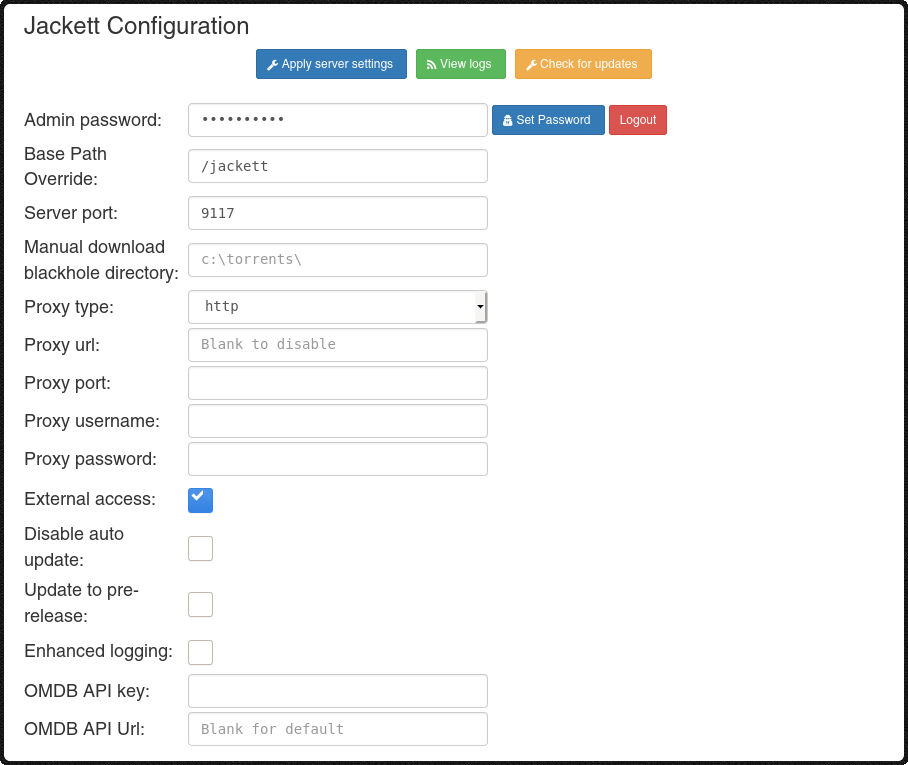
When running jackett behind a reverse proxy make sure that the original hostname of the request is passed to Jackett. If HTTPS is used also set the X-Forwarded-Proto header to "https". Don't forget to adjust the "Base path override" Jackett option accordingly.
Example config for apache:
<Location /jackett>
    ProxyPreserveHost On
    RequestHeader set X-Forwarded-Proto expr=%{REQUEST_SCHEME}
    ProxyPass http://127.0.0.1:9117
    ProxyPassReverse http://127.0.0.1:9117
</Location>
Example config for Nginx:
location /jackett {
	proxy_pass http://127.0.0.1:9117;
	proxy_set_header X-Real-IP $remote_addr;
	proxy_set_header X-Forwarded-For $proxy_add_x_forwarded_for;
	proxy_set_header X-Forwarded-Proto $scheme;
	proxy_set_header X-Forwarded-Host $http_host;
	proxy_redirect off;
}
Jackett has an internal cache to increase search speed and to reduce the number of requests to the torrent sites. The default values should be good for most users. If you have problems, you can reduce the TTL value in the configuration or even disable the cache. Keep in mind that you can be banned by the sites if you make a lot of requests.
If you have enabled the Jackett internal cache, but have an indexer for which you would prefer to fetch fresh results (thus ignoring the internal cache) then add the &cache=false parameter to your torznab query.
Some indexers are protected by CloudFlare or similar services and Jackett is not able to solve the challenges. For these cases, FlareSolverr has been integrated into Jackett. This service is in charge of solving the challenges and configuring Jackett with the necessary cookies. Setting up this service is optional, most indexers don't need it.
This feature is used as a fallback (when using the aggregate Indexer) to get the movie/series title if only the IMDB ID is provided in the request. To use it, please just request a free API key on OMDb (1,000 daily requests limit) and paste the key in Jackett
You can pass various options when running via the command line:
-i, --Install Install Jackett windows service (Must be admin)
-s, --Start Start the Jacket Windows service (Must be admin)
-k, --Stop Stop the Jacket Windows service (Must be admin)
-u, --Uninstall Uninstall Jackett windows service (Must be admin).
-r, --ReserveUrls (Re)Register windows port reservations (Required for
listening on all interfaces).
-l, --Logging Log all requests/responses to Jackett
-t, --Tracing Enable tracing
-c, --UseClient Override web client selection.
[automatic(Default)/httpclient/httpclient2]
-x, --ListenPublic Listen publicly
-z, --ListenPrivate Only allow local access
-p, --Port Web server port
-n, --IgnoreSslErrors [true/false] Ignores invalid SSL certificates
-d, --DataFolder Specify the location of the data folder (Must be an admin on Windows)
--NoRestart Don't restart after update
--PIDFile Specify the location of PID file
--NoUpdates Disable automatic updates
--help Display this help screen.
--version Display version information.
src directory:dotnet msbuild /restoredotnet restoredotnet build# manually install osx dotnet via:
https://dotnet.microsoft.com/download?initial-os=macos
# then:
git clone https://github.com/Jackett/Jackett.git
cd Jackett/src
# dotnet core version
dotnet publish Jackett.Server -f net6.0 --self-contained -r osx-x64 -c Debug # takes care of everything
./Jackett.Server/bin/Debug/net6.0/osx-x64/jackett # run jackettsudo apt install nuget msbuild dotnet-sdk-6.0 # install build tools (Debian/ubuntu)
git clone https://github.com/Jackett/Jackett.git
cd Jackett/src
# dotnet core version
dotnet publish Jackett.Server -f net6.0 --self-contained -r linux-x64 -c Debug # takes care of everything
./Jackett.Server/bin/Debug/net6.0/linux-x64/jackett # run jackett