charmbracelet / pop
- четверг, 20 июля 2023 г. в 00:00:04
Send emails from your terminal 📬



Send emails from your terminal.
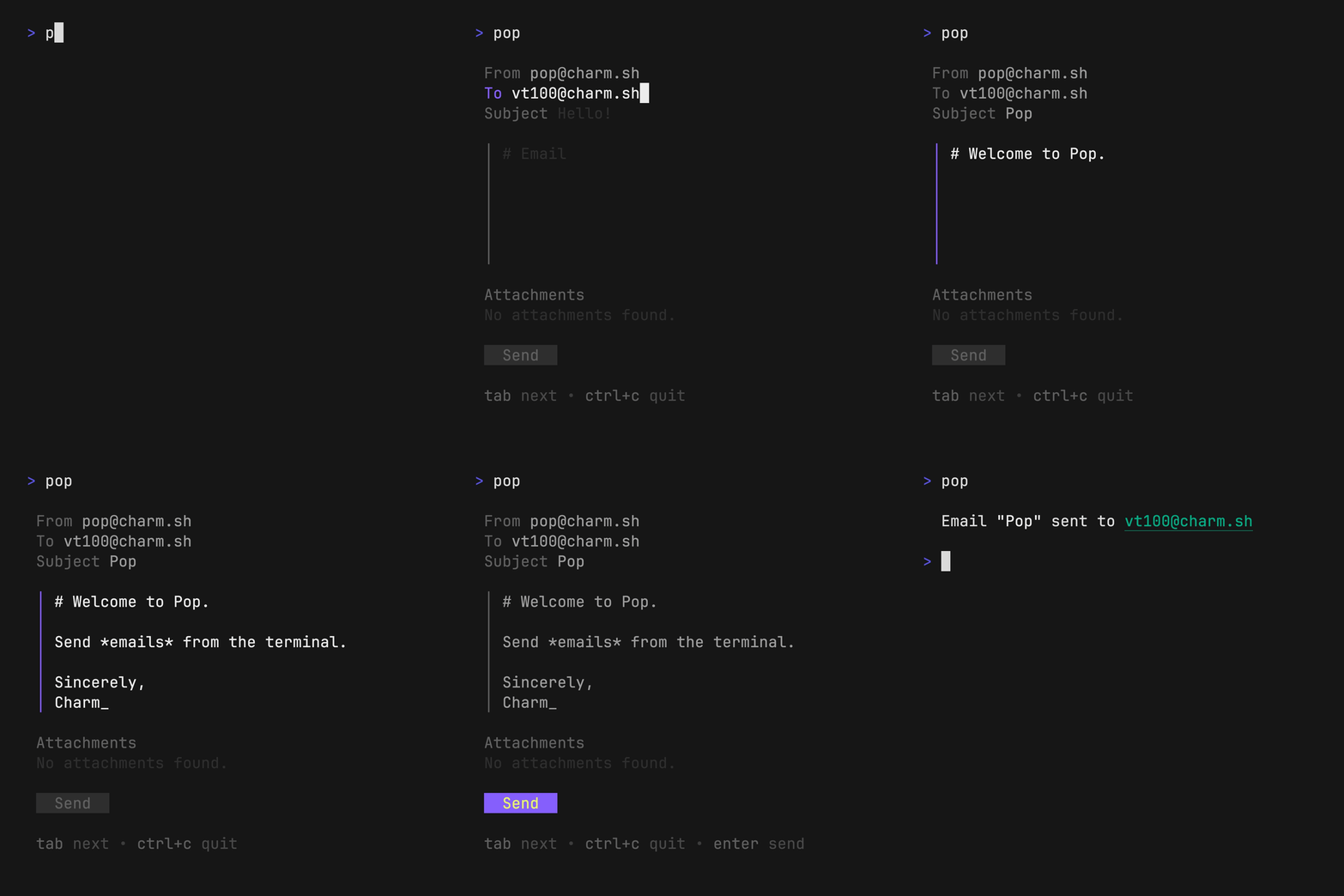
Launch the TUI
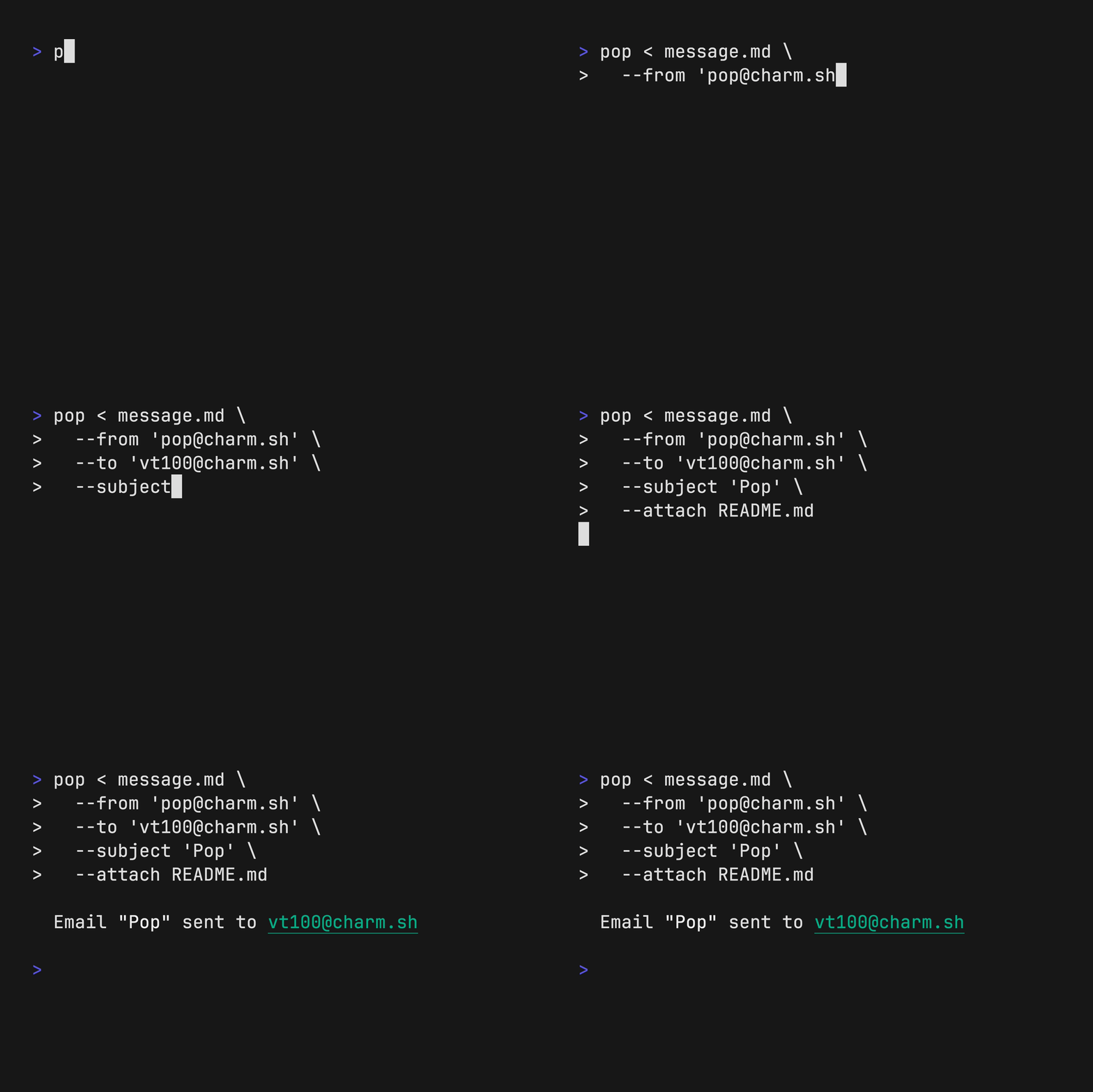
poppop < message.md \
--from "me@example.com" \
--to "you@example.com" \
--subject "Hello, world!" \
--attach invoice.pdfTo use pop, you will need a RESEND_API_KEY.
You can grab one from: https://resend.com/api-keys.
To avoid typing your From: email address, you can also set the POP_FROM
environment to pre-fill the field anytime you launch pop.
export RESEND_API_KEY=$(pass RESEND_API_KEY)
export POP_FROM=pop@charm.sh
export POP_SIGNATURE="Sent with [Pop](https://github.com/charmbracelet/pop)!"Use a package manager:
# macOS or Linux
brew install pop

# Nix (coming soon)
nix-env -iA nixpkgs.pop

# Arch (btw)
yay -S pop
Install with Go:
go install github.com/charmbracelet/pop@latestOr download a binary from the releases.
Pop can be combined with other tools to create powerful email pipelines, such as:
Use mods with pop to write an email body with AI:
Note: Use the
--previewflag to preview the email and make changes before sending.
pop <<< '$(mods -f "Explain why CLIs are awesome")' \
    --subject "The command line is the best" \
--previewUse gum with pop to choose an email to send to and from:
pop --from $(gum choose "vt52@charm.sh" "vt78@charm.sh" "vt100@charm.sh")
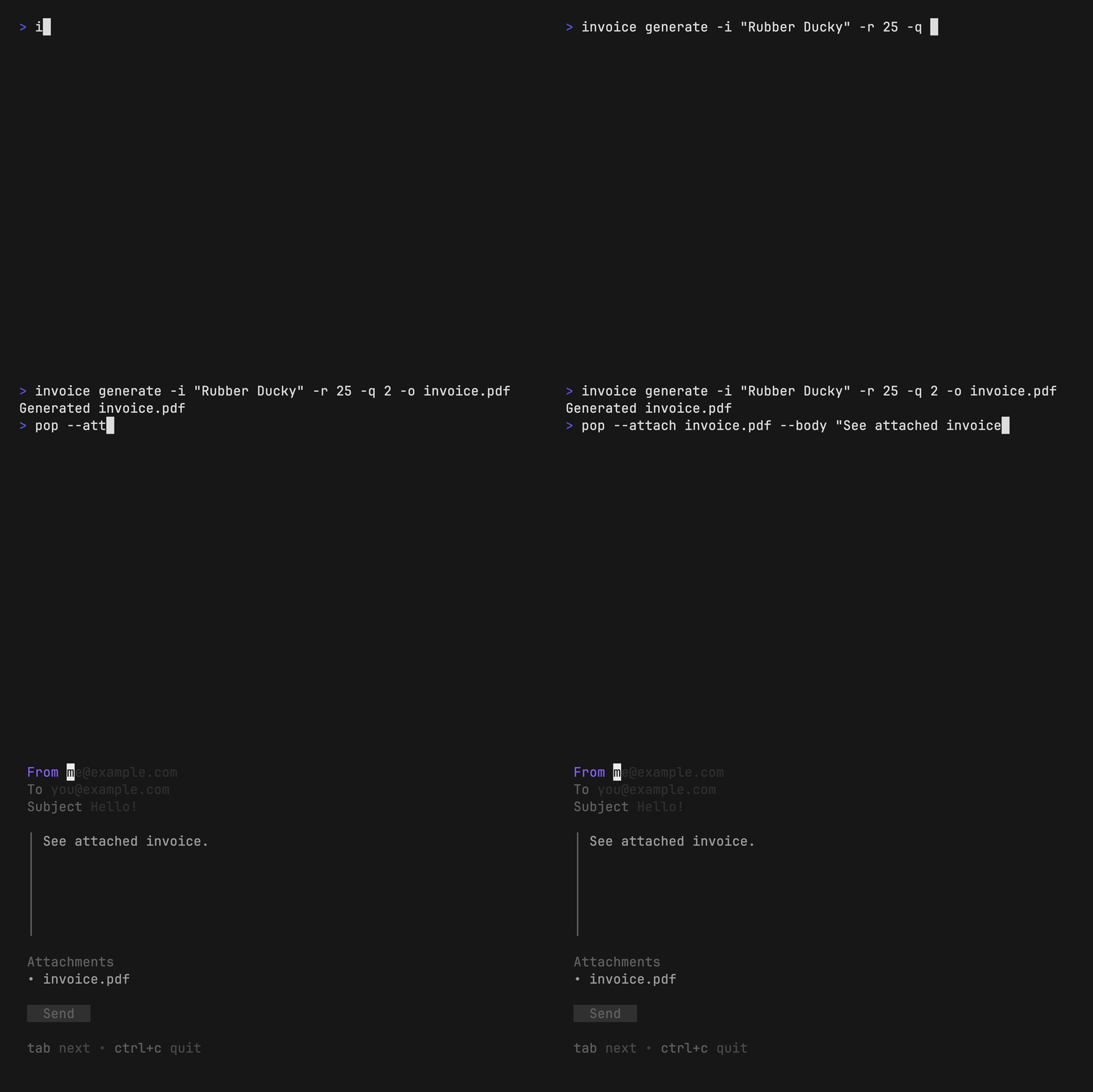
--to $(gum filter < contacts.txt)Use invoice with pop to generate and send invoices entirely from the command line.
FILENAME=invoice.pdf
invoice generate --item "Rubber Ducky" --rate 25 --quantity 2 --output $FILENAME
pop --attach $FILENAME --body "See attached invoice."We’d love to hear your thoughts on this project. Feel free to drop us a note!
Part of Charm.

Charm 热爱开源 • Charm loves open source